Remote Desktop for Any Computer You Have Access To
NomadVNC is a free, open-source VNC client. Connect on your local network with no account, or from anywhere through a VPN you already use.
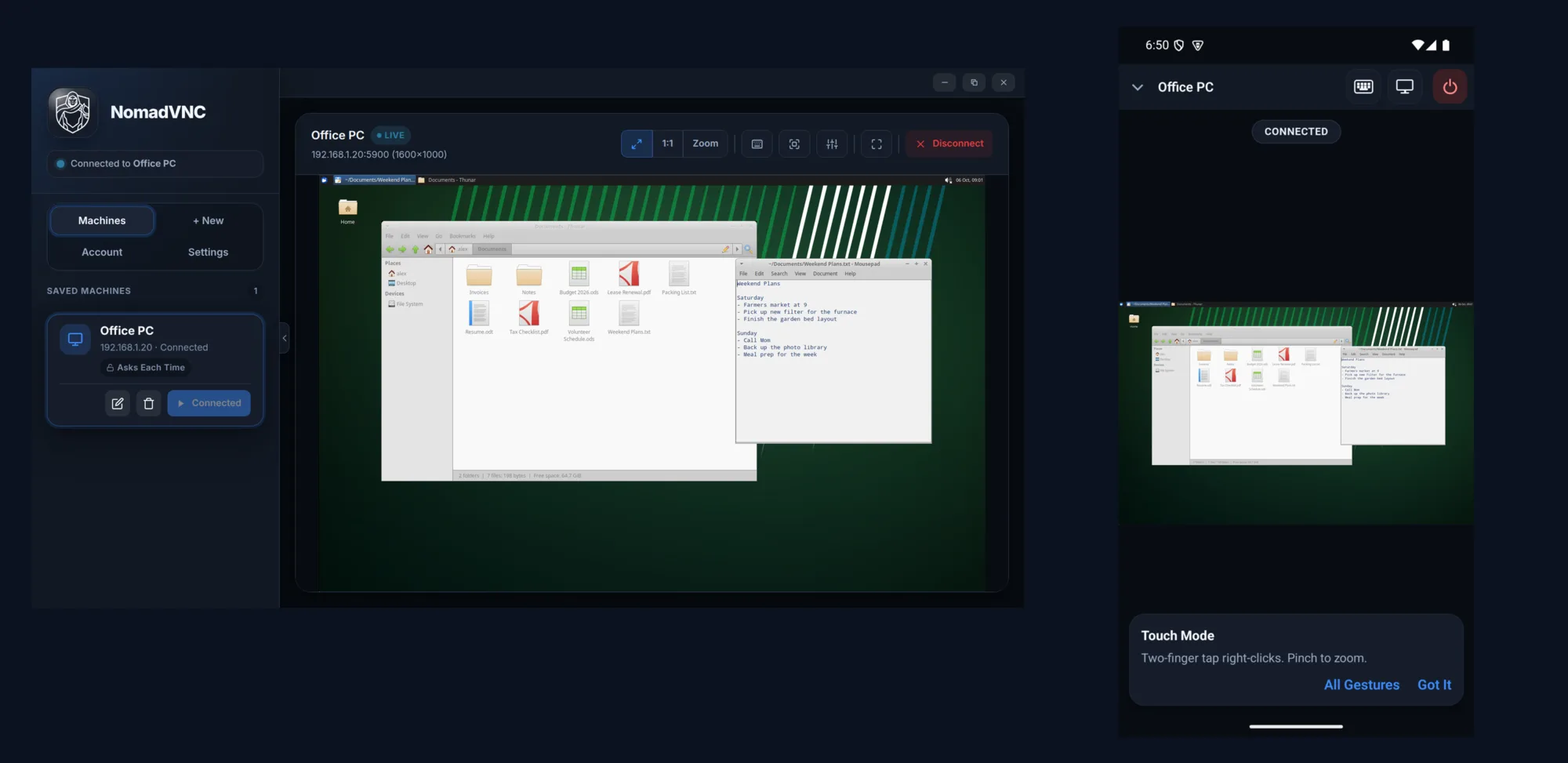
A Plain VNC Viewer That Works Everywhere
Nothing to install on the other computer beyond the VNC server it already has.
Any VNC Server
macOS Screen Sharing, TightVNC, TigerVNC, UltraVNC, WayVNC, and others.
No Account Required
Type an address and connect. Saved computers stay on your device, and passwords stay in the OS keychain.
Any VPN, or Tailscale Built In
From another network, any VPN that can reach the VNC port works. Tailscale stays off until you choose Sign in with Tailscale.
Keyboard and Clipboard
Send Super, Alt-Tab, and function keys to the remote computer. Copy and paste in both directions.
Fit, Zoom, or Actual Size
Fit the remote screen to the window, view it at 1:1, zoom in, or show one half of a wide display.
Optional Sync and Sharing
A Nomad account syncs saved computers and encrypted passwords, and shares a computer by email.
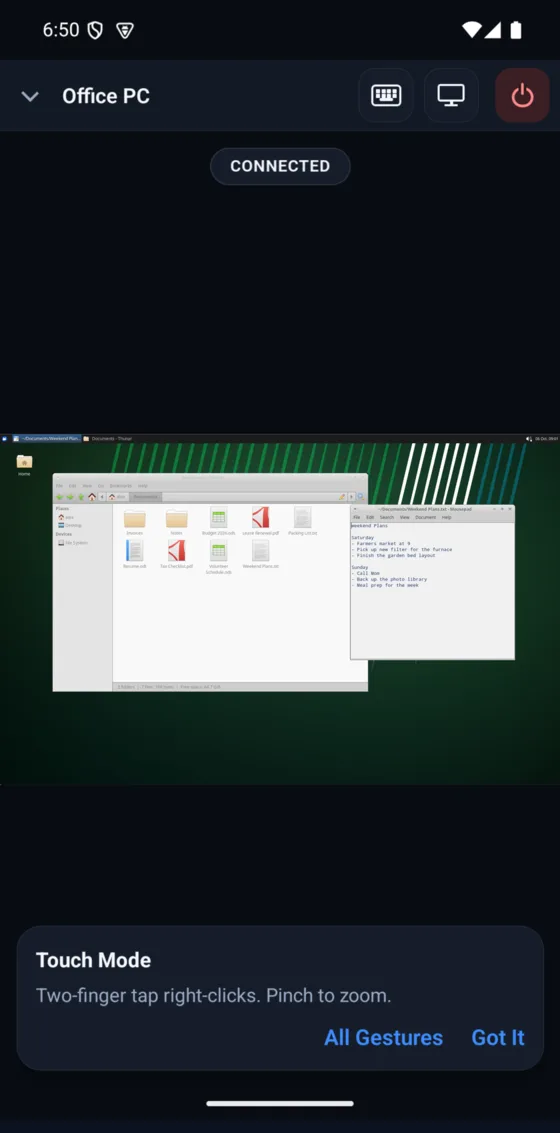
Made to Work on a Phone
The same viewer on Android and iOS, with controls built for a touchscreen.
- Touch or Trackpad. Tap where you want to click, or move a pointer like a laptop trackpad.
- Gestures. Two-finger tap to right-click, two-finger drag to scroll, and pinch to zoom.
- A key bar. Ctrl, Alt, Esc, Tab, arrows, F1 to F12, and Ctrl+Alt+Del.
- Sessions that hold. Switch apps and come back. If the phone suspended it, NomadVNC reconnects.
Download
Version 1.0.0. Every file is also on GitHub Releases. Builds are not code-signed yet, so macOS and Windows ask you to confirm the first launch.
You can build the app from source with Xcode. Build steps
Shares a Windows PC, including the sign-in screen. The viewer does not need it. Setup guide
How You Connect
NomadVNC talks straight to the computer. Your screen never passes through a NomadVNC server.
On Your Network
Turn on the computer's VNC server, then type its address and port. No account and no VPN. The setup guide covers macOS, Windows, and Linux.
From Anywhere
Use any VPN that can reach the computer's VNC port, and connect to the address it gives that computer.
With Tailscale
Choose Sign in with Tailscale. It runs inside NomadVNC, only carries NomadVNC traffic, and is separate from the Tailscale app.
Your Data
No analytics, ads, or tracking. An account is optional, and passwords only sync if you choose. The privacy policy lists exactly what the account server keeps.
You can delete your account at any time, in the app or from this site.